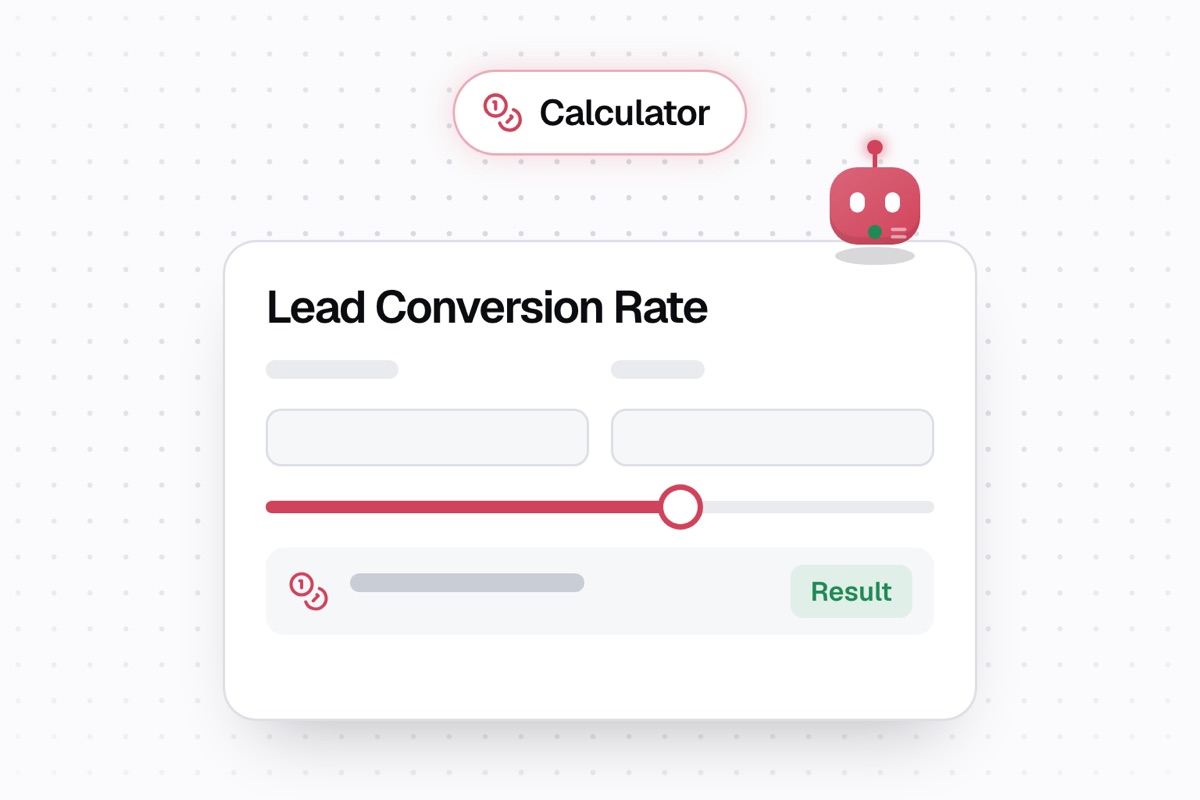
A lead conversion rate is the percentage of leads that become conversions. Enter your total leads and converted leads to see the rate, conversion count, and a simple performance interpretation.
K3X last checked the calculator on October 31, 2026.
How to use the calculator
Enter the total number of leads in the period or group you want to measure.
Enter how many of those leads converted.
Read the percentage, the calculator’s interpretation, and the count of converted leads.
Total leads must be greater than zero, and converted leads cannot exceed total leads. Use the same definition of a lead and conversion each time you compare results.
How the lead conversion rate is calculated
Lead conversion rate = converted leads ÷ total leads × 100. The calculator rounds the percentage to two decimal places. It assumes the converted leads are included in the total leads; it does not account for lead source, sales stage, revenue, or time to close. This follows the same calculation structure Salesforce gives for sales conversion: sales divided by leads, multiplied by 100.
Worked example: 15 conversions from 100 leads
Enter Total Leads 100 and Converted Leads 15. The calculator shows:
Your lead conversion rate is 15%. This rate indicates average performance. 15 of 100 leads converted.
Its result fields read: Lead conversion rate: 15.00 · Performance interpretation: This rate indicates average performance. · Lead totals: 15 of 100 leads converted.
How to read the result
The calculator labels a rate above 20% as strong, 10% through 20% as average, and below 10% as room for improvement. These are the calculator’s interpretation bands, not universal industry benchmarks. A useful target varies by industry and sales cycle, so compare consistent groups of leads rather than treating one result as a verdict on the whole sales team.
Common lead conversion calculator results
Total Leads | Converted Leads | Calculator result |
|---|---|---|
100 | 0 | Lead conversion rate: 0.00 |
10 | 1 | Lead conversion rate: 10.00 |
100 | 15 | Lead conversion rate: 15.00 |
5 | 1 | Lead conversion rate: 20.00 |
100 | 21 | Lead conversion rate: 21.00 |
Why tracking sales metrics matters
Not every lead becomes a customer. A conversion rate makes the share that converted visible, but the percentage alone does not explain why. Comparing the same type of leads over consistent periods can help you spot a change worth investigating.
How this tool helps your business
Treat the result as a starting point, then look at what happened before conversion: lead source, response timing, and the next sales step. If follow-up is part of the process you are reviewing, see how to automate sales follow-ups and how AI can help with sales follow-up timing. The calculator reports the rate; those checks help you investigate possible causes.
FAQs
What is a good conversion rate on leads?
The calculator treats 10% through 20% as average, rates above 20% as strong, and rates below 10% as leaving room to improve. These are the calculator’s interpretation bands, not industry benchmarks; a useful target varies with industry and sales cycle, so compare similar lead groups.
How do I calculate the lead conversion rate?
Divide the number of converted leads by the total number of leads, then multiply by 100. For example, 15 converted leads out of 100 total leads gives a 15% conversion rate. This calculator displays the rate to two decimal places and also shows the conversion count, so you can see both the percentage and the underlying totals.
What is the average lead conversion rate by industry?
This calculator does not provide an industry average. It labels 10% through 20% as average and rates above 20% as strong, but those are tool interpretation bands, not industry benchmarks. To compare results, keep your lead definition and sales cycle consistent; rates from different lead groups may not be comparable.
What is a normal lead conversion rate?
There is no single normal rate that applies across industries and sales cycles. This calculator labels 10% through 20% average, but that is a simplified interpretation band, not a market benchmark. Compare the same kind of leads over comparable periods to see whether your own rate is changing.
Related sales tools and reading
Compare acquisition spending with the Customer Acquisition Cost Calculator, or read about automating sales follow-ups and sales follow-up timing.